
Creating a well-organized home office can significantly improve both productivity and comfort. Whether you work remotely full time or use your space occasionally, having a dedicated, tidy, and pleasant workspace helps maintain focus and reduces stress. In this post, we’ll explore practical tips to organize your home office effectively so you can work smarter and feel better while doing it.
Why Organizing Your Home Office Matters
A cluttered or poorly arranged workspace can lead to distraction, frustration, and physical discomfort. On the other hand, an organized and ergonomic office environment fosters a sense of control, encourages efficient work habits, and supports your well-being. Setting up your home office with thoughtful design and storage solutions creates a productive area you’ll look forward to using every day.
Assess Your Current Space and Needs
Before diving into organizing, take a moment to evaluate your existing office setup:
– Space available: Measure your room or corner to understand your limits and possibilities.
– Work style: Consider the kind of tasks you do and what equipment you need regularly.
– Storage requirements: Identify what documents, supplies, or tech gadgets you must keep accessible.
– Comfort factors: Note lighting, seating, and noise levels that affect your ability to focus.
Understanding these details will shape your organization strategy.
Declutter First
Begin by clearing out everything from your desk and shelves. Sort items into categories:
– Keep essentials you use daily
– Store items you use less often neatly away
– Donate, recycle, or discard unnecessary clutter
Aim for a minimalist approach to reduce distractions and create breathing room in your office.
Optimize Desk Layout
Your desk is the centerpiece of your office. Keep it neat and functional:
– Position your monitor directly in front of you, at eye level, to reduce neck strain.
– Place frequently used items like pens, notebooks, and your phone within arm’s reach.
– Use desk organizers or drawer dividers to keep small items tidy.
– Consider a desk mat to define your workspace and protect surfaces.
Avoid overcrowding your desk to maintain focus.
Choose Efficient Storage Solutions
Smart storage makes a big difference:
– Use shelves and cabinets to store books, binders, and files vertically.
– Label boxes and files clearly for easy retrieval.
– Consider modular storage units that can be customized for your space.
– Use wall-mounted organizers or pegboards to free up desk space.
– Keep cables organized with clips or sleeves to reduce tangling.
A well-organized storage system keeps your supplies accessible but out of sight.
Enhance Lighting
Good lighting reduces eye strain and boosts your mood:
– Maximize natural light by setting up your desk near a window.
– Use adjustable desk lamps with warm, soft light for late hours.
– Avoid glare on computer screens by positioning lights thoughtfully.
– Consider additional ambient lighting to create a balanced environment.
Proper lighting makes your workspace inviting and easier to work in.
Invest in Comfortable Furniture
Comfort supports longer and more focused work sessions:
– Choose an ergonomic chair with good lumbar support.
– Adjust chair height so feet rest flat on the floor and wrists align with the desk.
– Consider a sit-stand desk to alternate positions throughout the day.
– Add cushions or footrests if necessary for extra comfort.
Good furniture supports your posture and reduces fatigue.
Personalize Your Space Thoughtfully
A few personal touches can motivate and inspire you without causing distraction:
– Use plants to freshen the air and add greenery.
– Hang artwork or photos that make you feel positive.
– Choose calming or uplifting colors for walls or accessories.
– Keep personal items in designated spots so they don’t clutter surfaces.
A pleasant environment encourages you to spend time in your office.
Establish Daily Maintenance Habits
Keeping your office organized is an ongoing process:
– Spend 5–10 minutes at the end of each day clearing paperwork and putting things away.
– Regularly review and purge items that accumulate over time.
– Back up digital files and organize folders to avoid tech clutter.
– Adjust your setup periodically to meet changing needs.
Consistent upkeep ensures your workspace stays efficient and welcoming.
Final Thoughts
Organizing your home office doesn’t have to be overwhelming. By decluttering, optimizing your desk and storage, improving lighting, investing in comfortable furniture, and maintaining daily habits, you can create a workspace tailored to your productivity and comfort. Take the time to customize your environment and you’ll likely find yourself working more effectively and enjoying your at-home office more than ever.
Related Posts

Tips for Creating a Cozy and Productive Home Office Space
Creating a home office that is both cozy and productive…
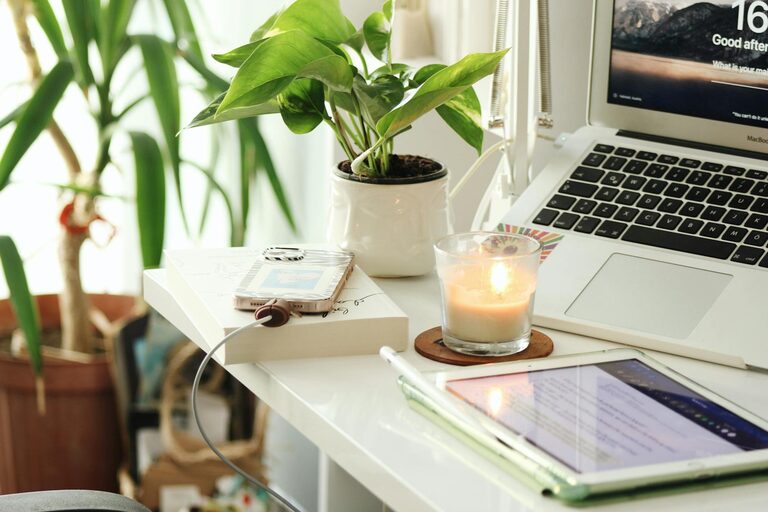
Tips for Creating a Relaxing Home Office Environment
Creating a relaxing home office environment is essential for maintaining…
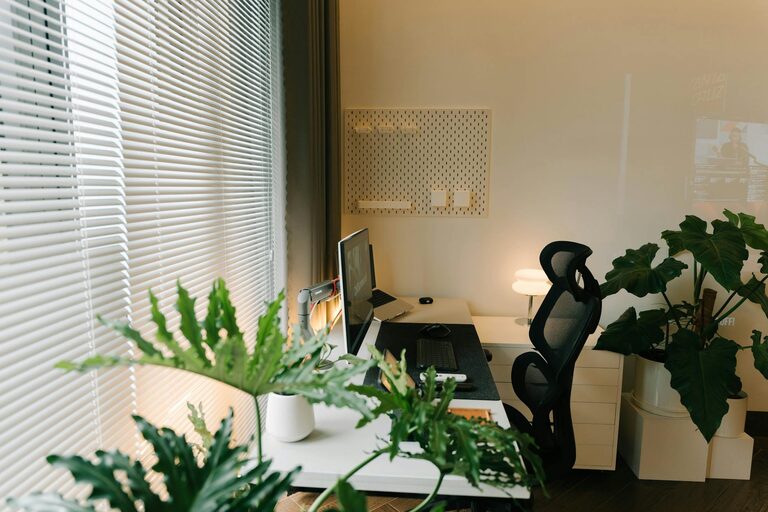
Tips for Creating a Productive Home Office Environment
Creating a productive home office environment is essential for anyone…